

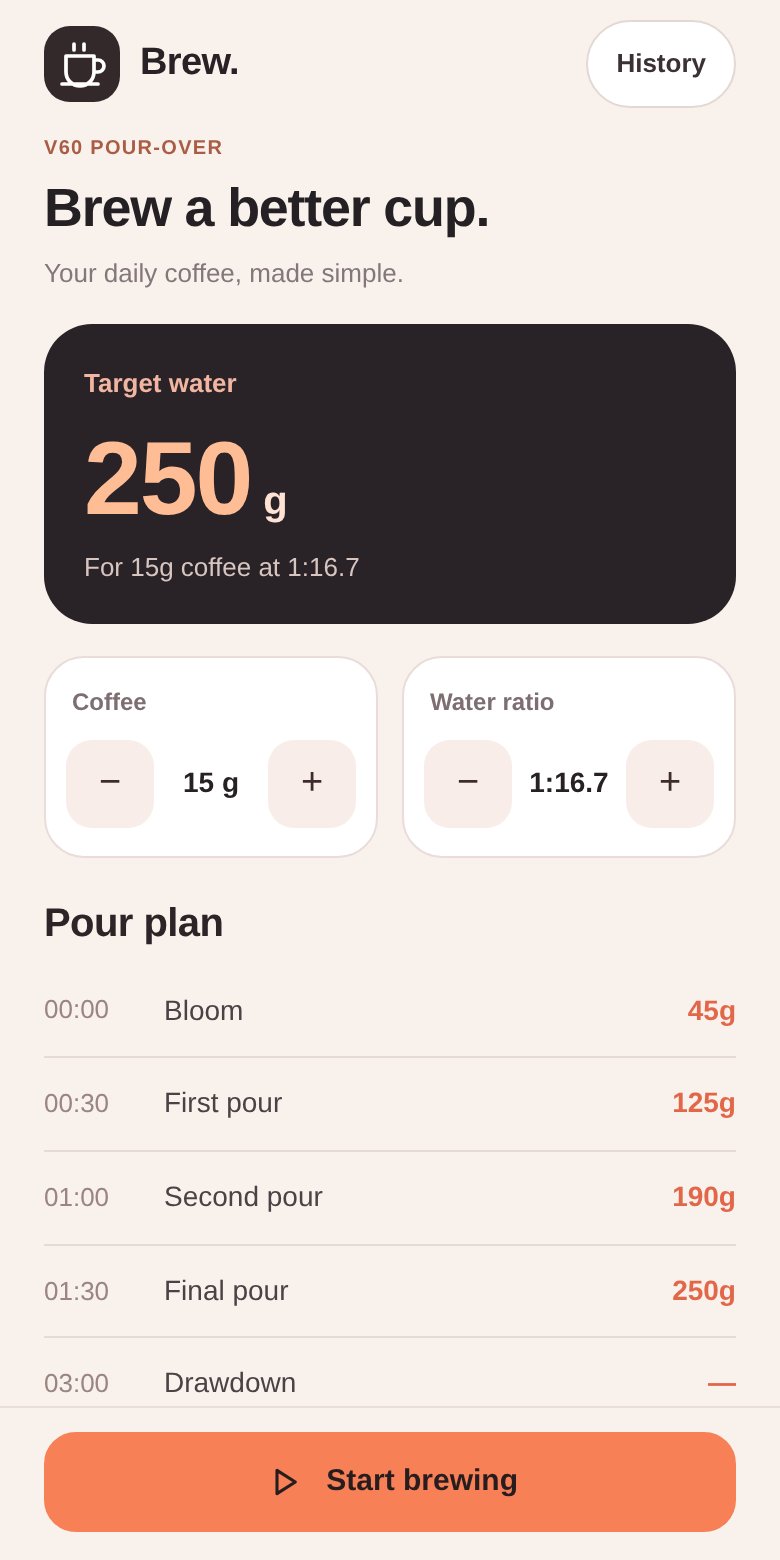
Brew
A little ritual.
Turn your AI-made HTML or ZIP into a personal app. Right on your phone.
From your favorite AI.
to the home screen of your phone.
Your AI made it. MakeTap makes it easy to use.
 MakeTap
Bring the HTML or ZIP your AI made.
From packing lists to coffee timers, useful tools for the moments that matter.
A little ritual.

A place for everything.
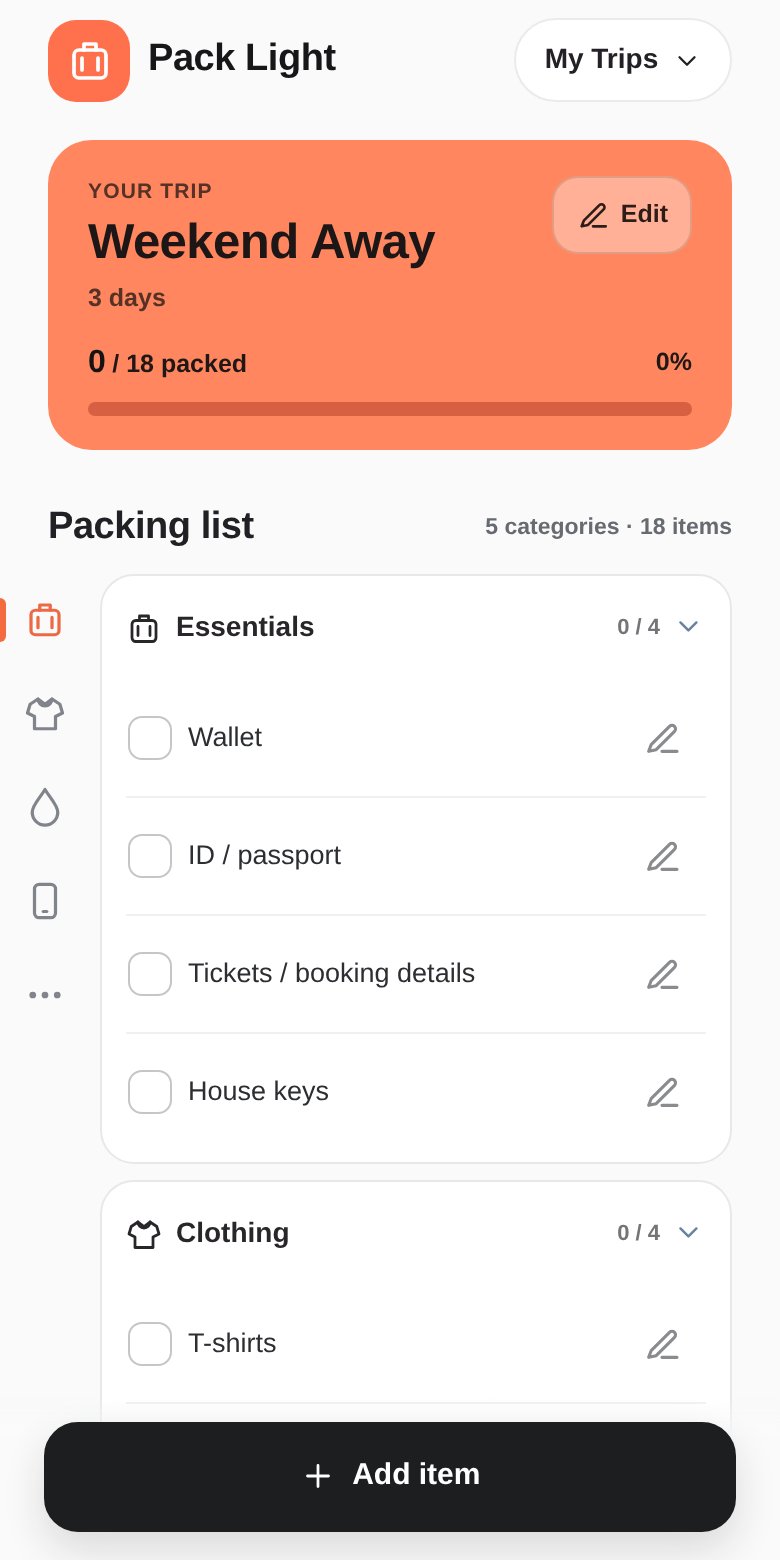
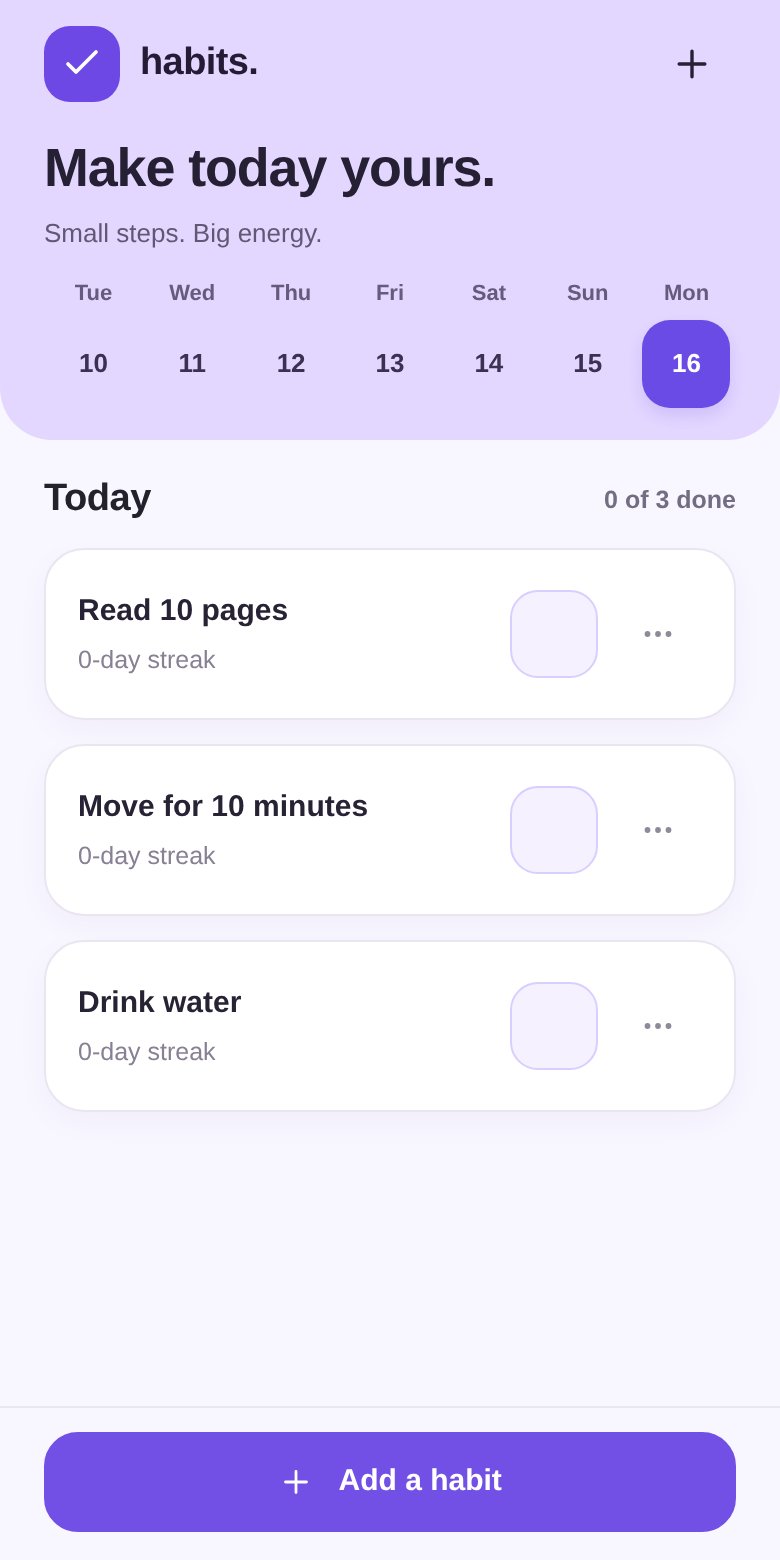
Make it stick.
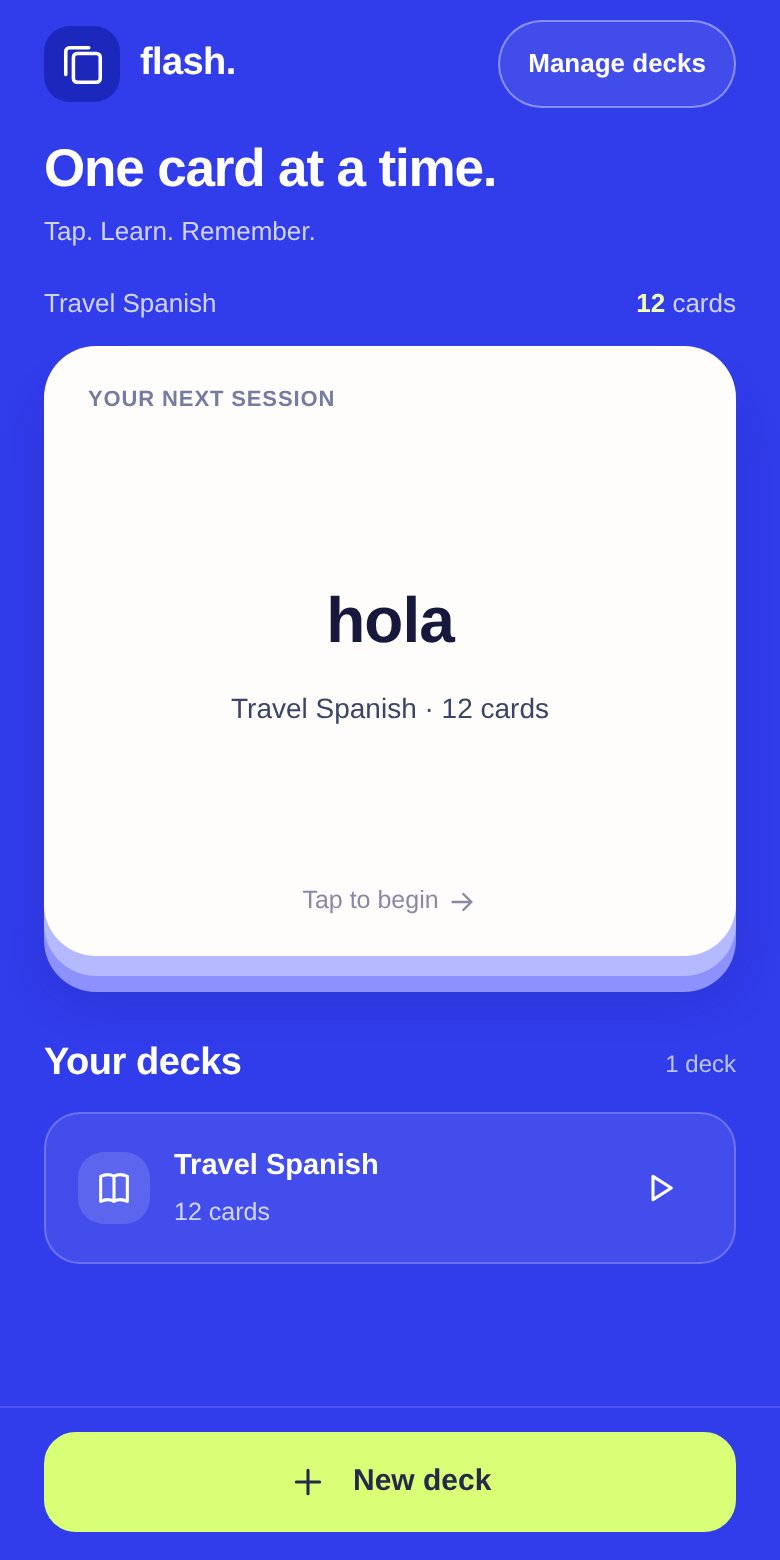

A little better, every day.

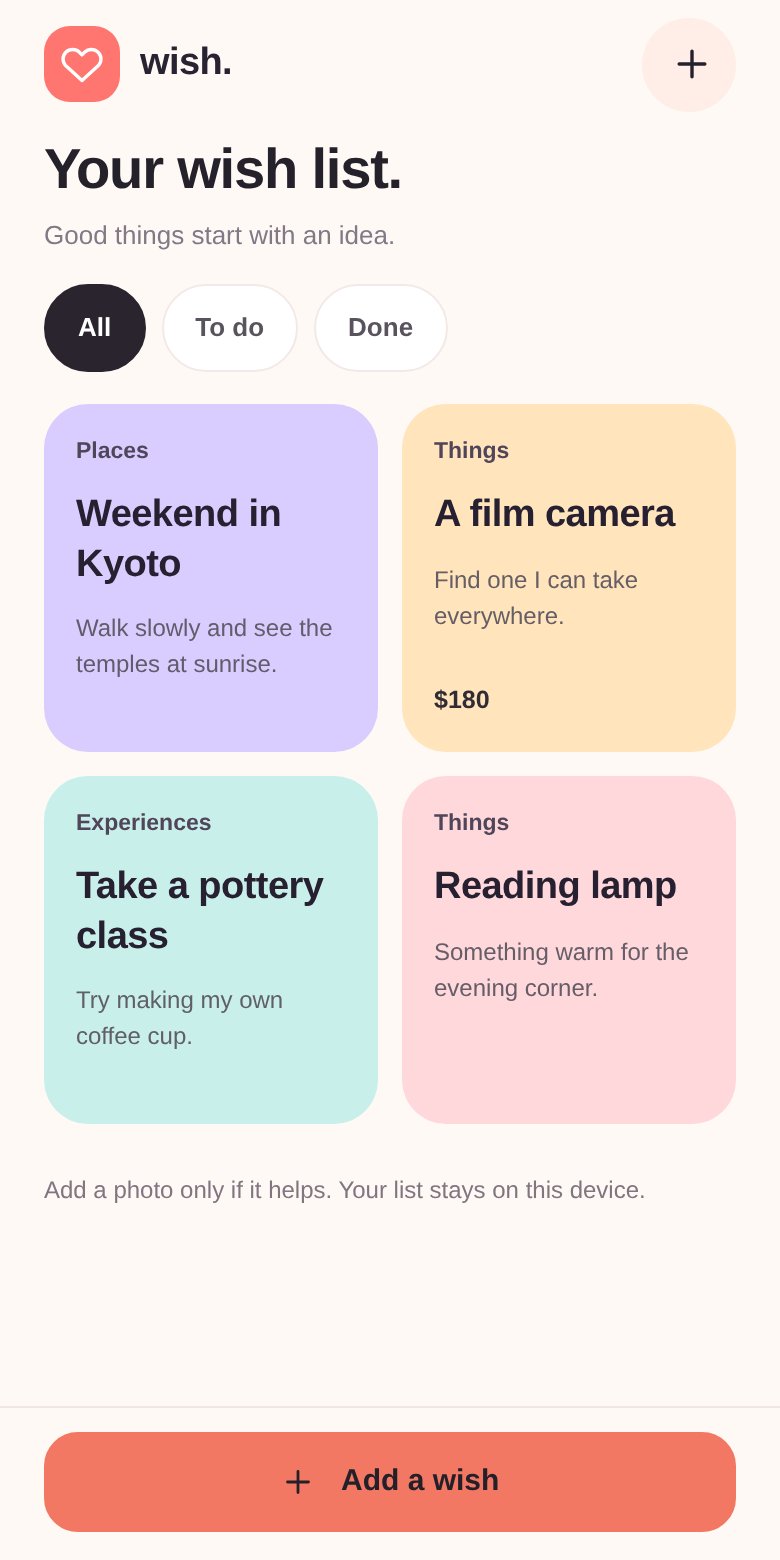
Good things, for later.

A little movement goes a long way.
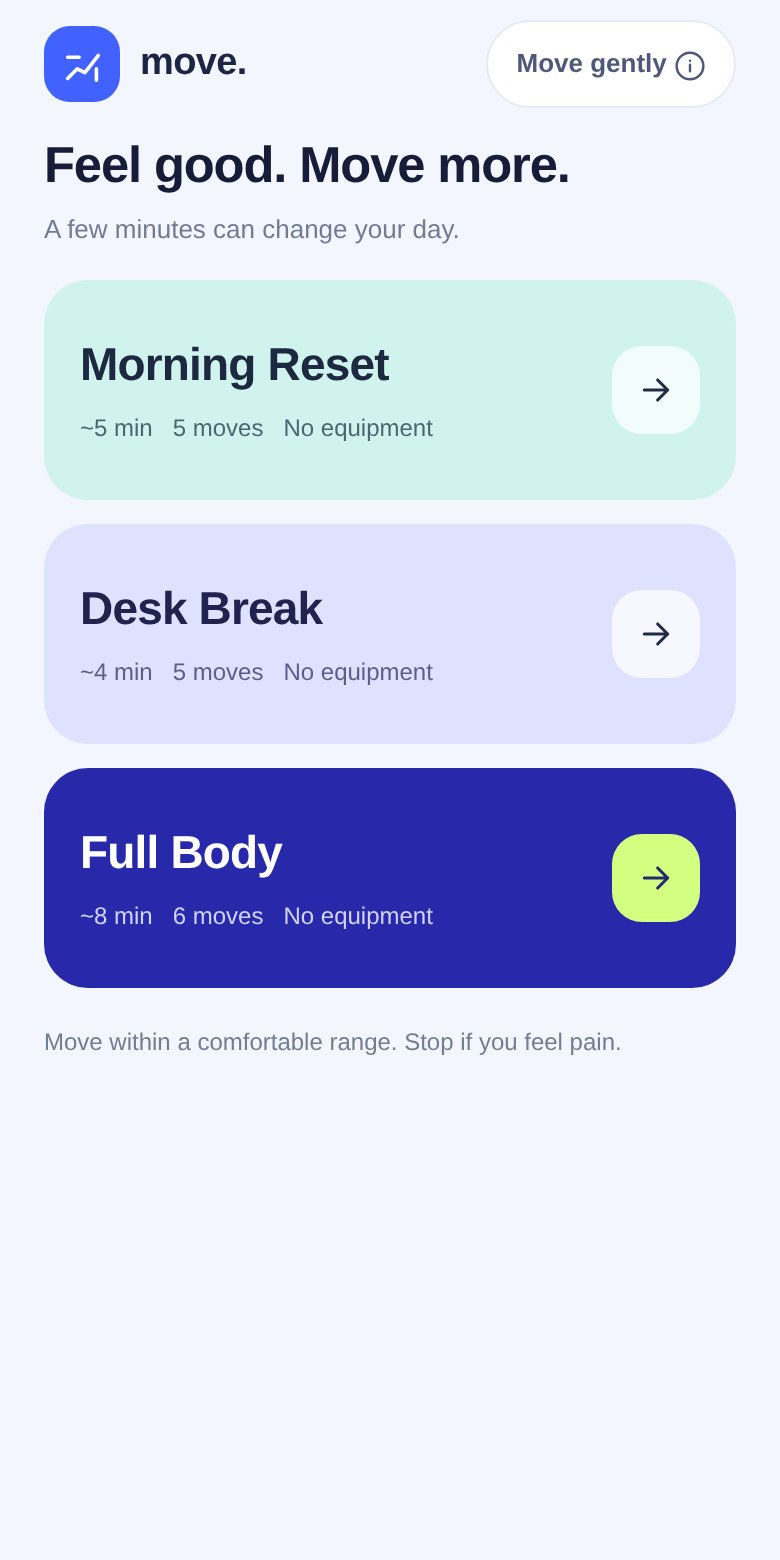
Try these working examples, then bring your own idea. Your app keeps its original design.
Your welcome gift
$0no credit card required
For a few more ideas
$5.99once · no auto-renewal
For your everyday ideas
$9.99/ month · auto-renews
Publishing uses 1–4 credits, depending on app size. Local editing and preview are free. Prices are USD product prices. Applicable tax, currency conversion and the final total are determined by Creem at checkout.
Made in your favorite AI. Made useful with MakeTap.
The little details, without the developer jargon.
No. Bring a complete HTML file or a finished static ZIP made with your AI tool. MakeTap lets you preview it, give it a name and icon, and set it up on your phone.
You can preview a single HTML file up to 2 MiB or a finished static ZIP up to 8 MiB. For private publication, Free supports up to 5 MB of app resources and paid plans up to 20 MB, at 1 credit per started 5 MB. Files must pass the installation checks before publishing.
Offline use depends on the app’s saved files, cache and external dependencies. Cloud-link expiry does not remotely uninstall a local app, but it can prevent downloads or repairs. Keep your own source backup.
Yes. Edit and save locally for free. A Free publication includes 1 replacement within 24 hours; paid publications include 2 within 48 hours. Larger files may need extra credits. Replacements do not extend link expiry; later updates need a new size-based publication.
Your app stays local until you explicitly prepare a private installation. Setup files are temporarily stored for your plan's installation window; saved app data remains on your device. There is no permanent cloud backup.
MakeTap is a personal app installer. Setup links are for the app owner, not public sharing. Hosted sites and custom domains are not available.
Connect MakeTap to a compatible AI tool using the MCP guide in Help Center. Send an HTML or ZIP app as a private draft, then open it in My Apps to preview. Creating a draft or updating its code uses one import. Previewing is free. Free includes no MCP imports. Each purchased Creator Pack or redeemed Gift Pack adds 50 imports, and packs stack. Maker Pro includes 200 imports per paid period, with no rollover.
Local browser storage can be cleared. Export a backup of anything important.