

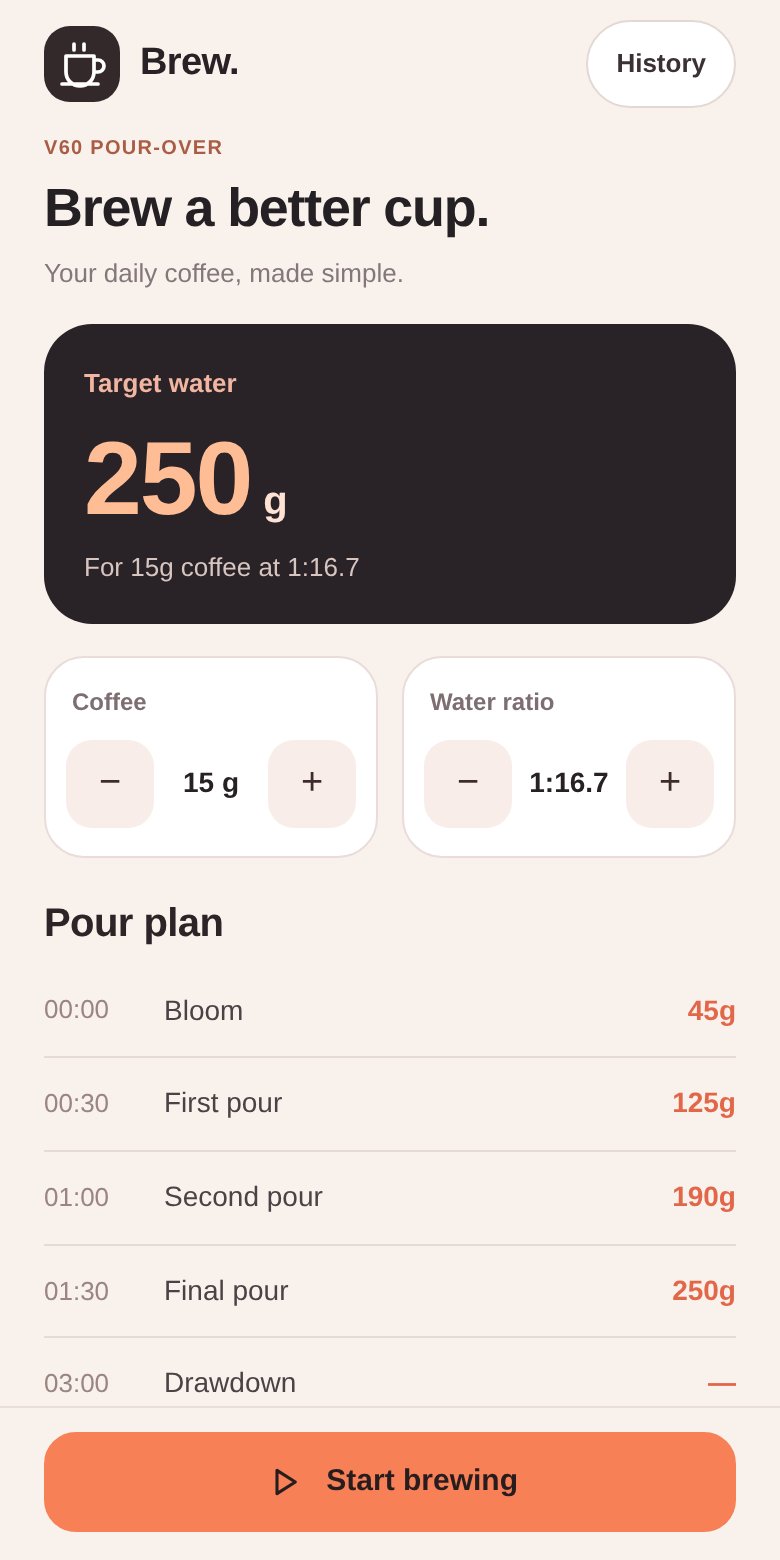
Brew
A little ritual.
Turn your AI-made HTML or ZIP into a personal app. Right on your phone.
From your favorite AI.
to the home screen of your phone.
Your AI made it. MakeTap makes it easy to use.
 MakeTap
Bring the HTML or ZIP your AI made.
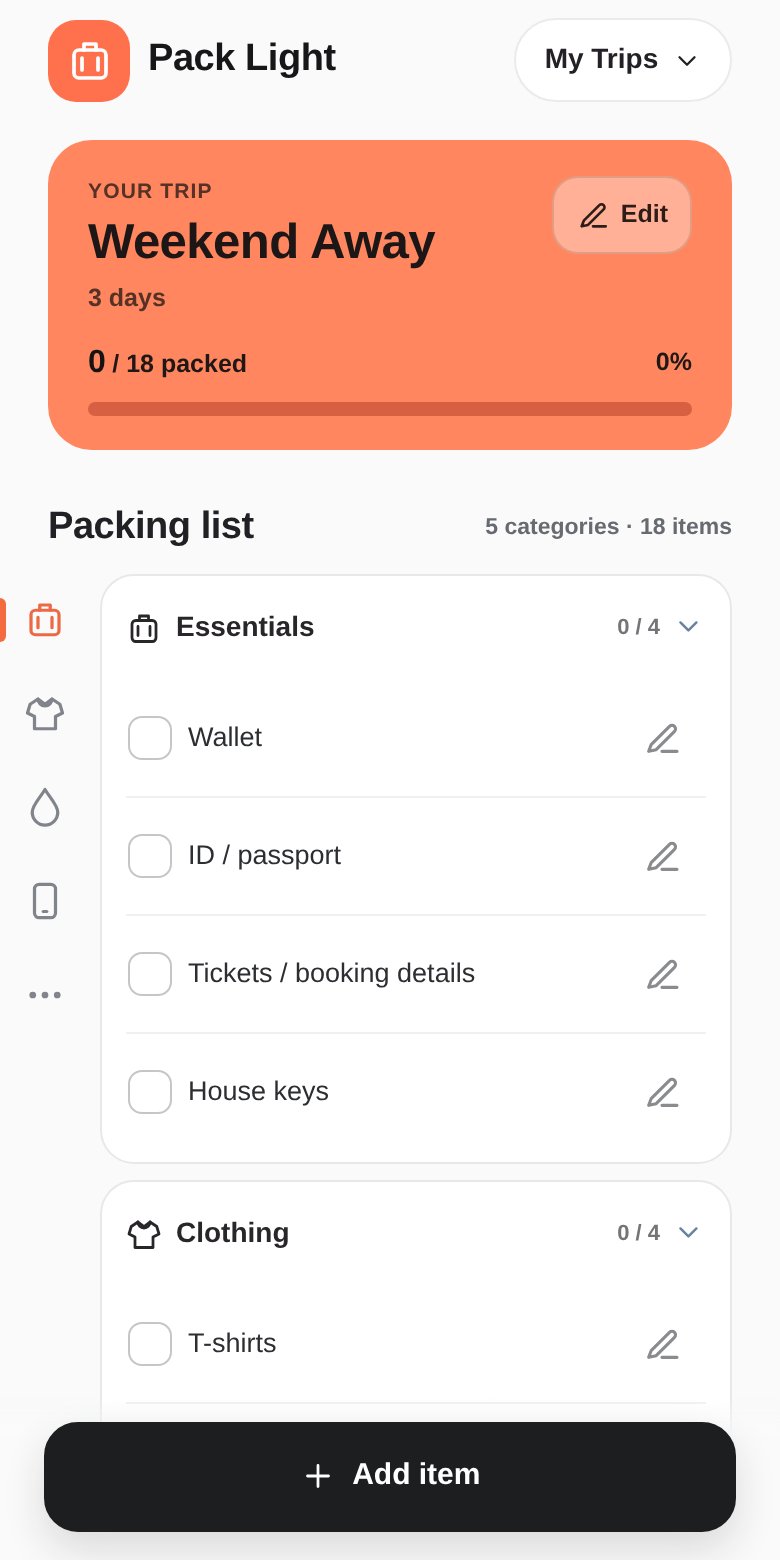
From packing lists to coffee timers, useful tools for the moments that matter.
A little ritual.

A place for everything.
Make it stick.
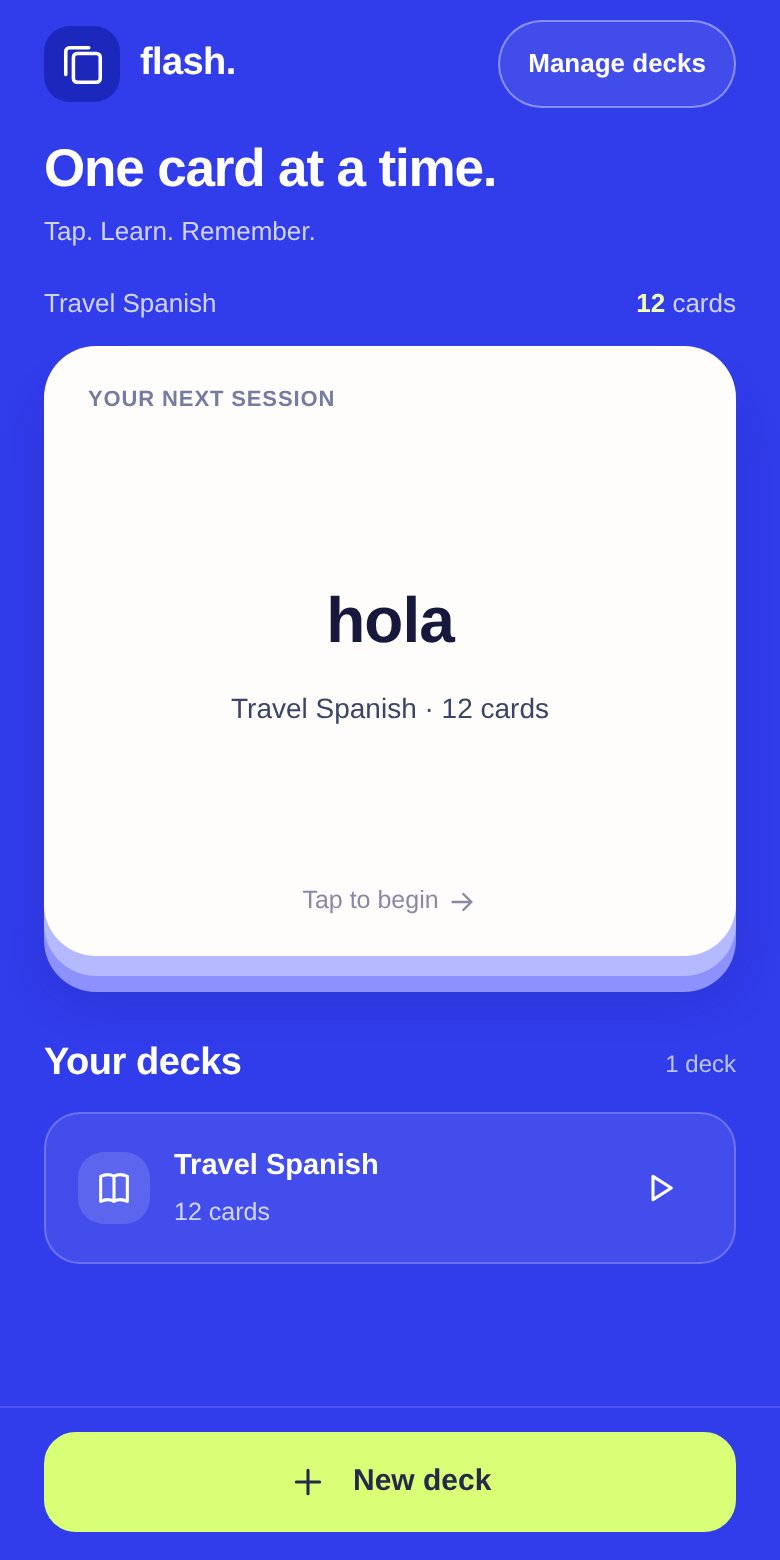

A little better, every day.
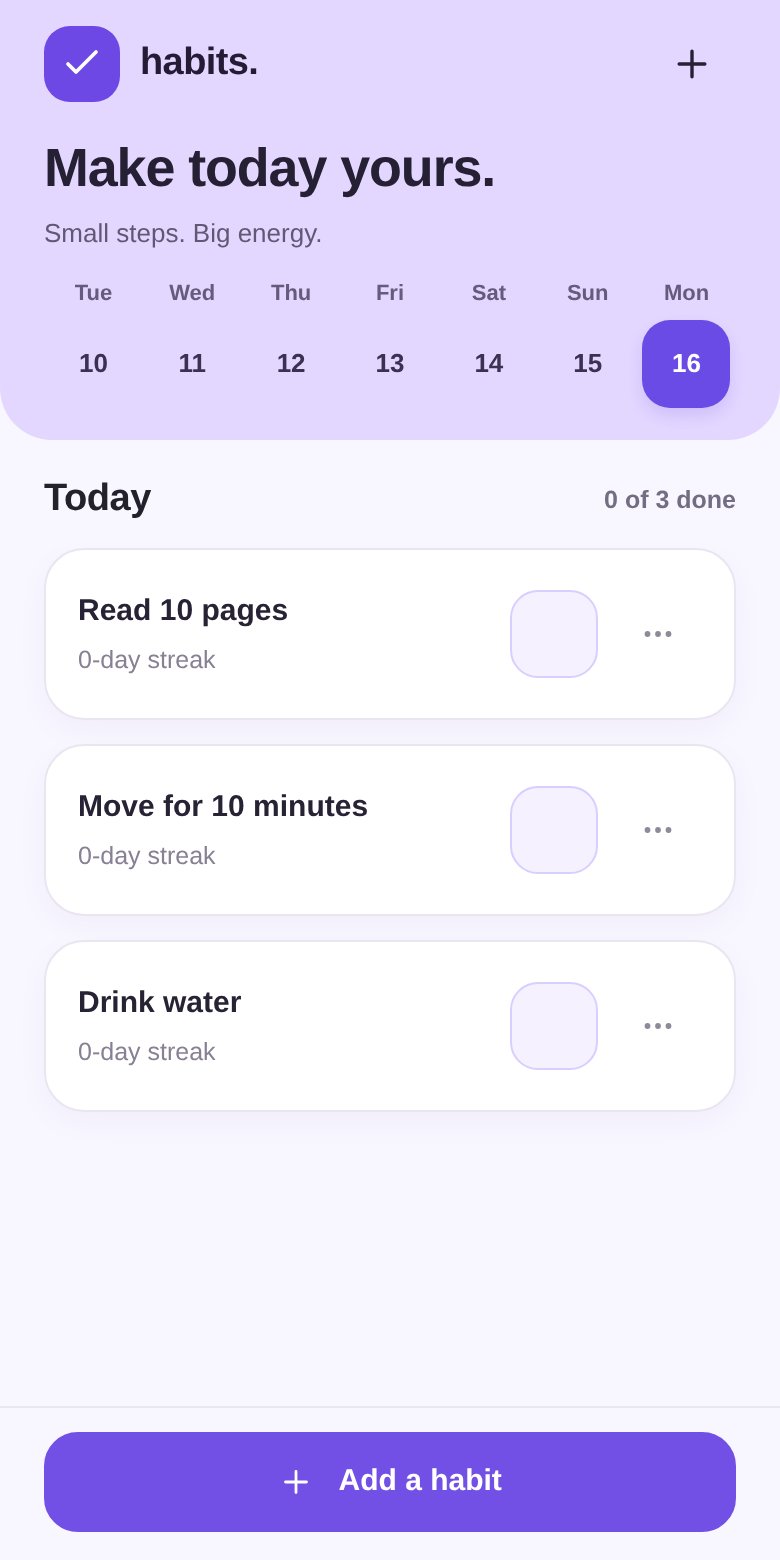

Good things, for later.
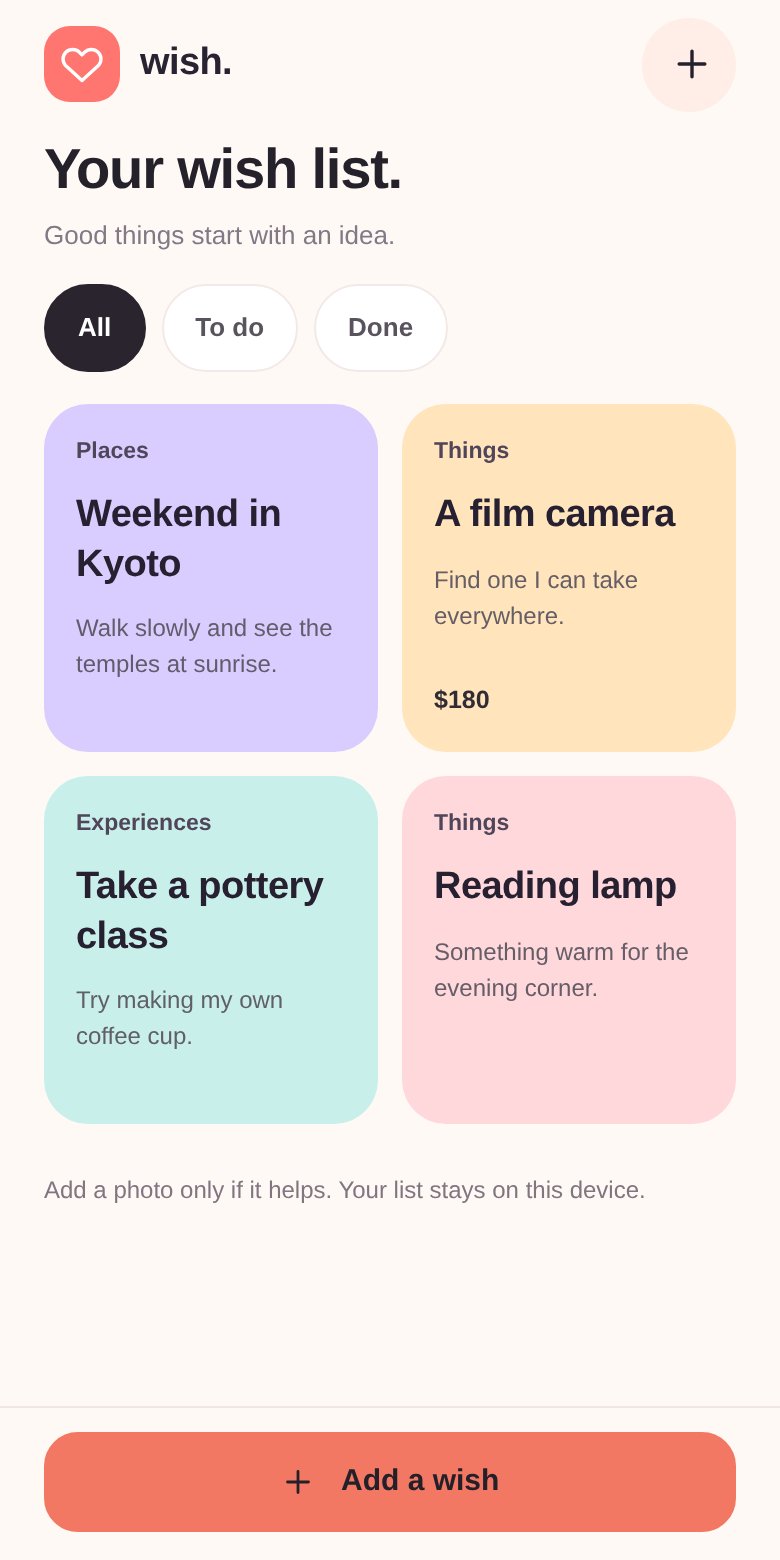

A little movement goes a long way.
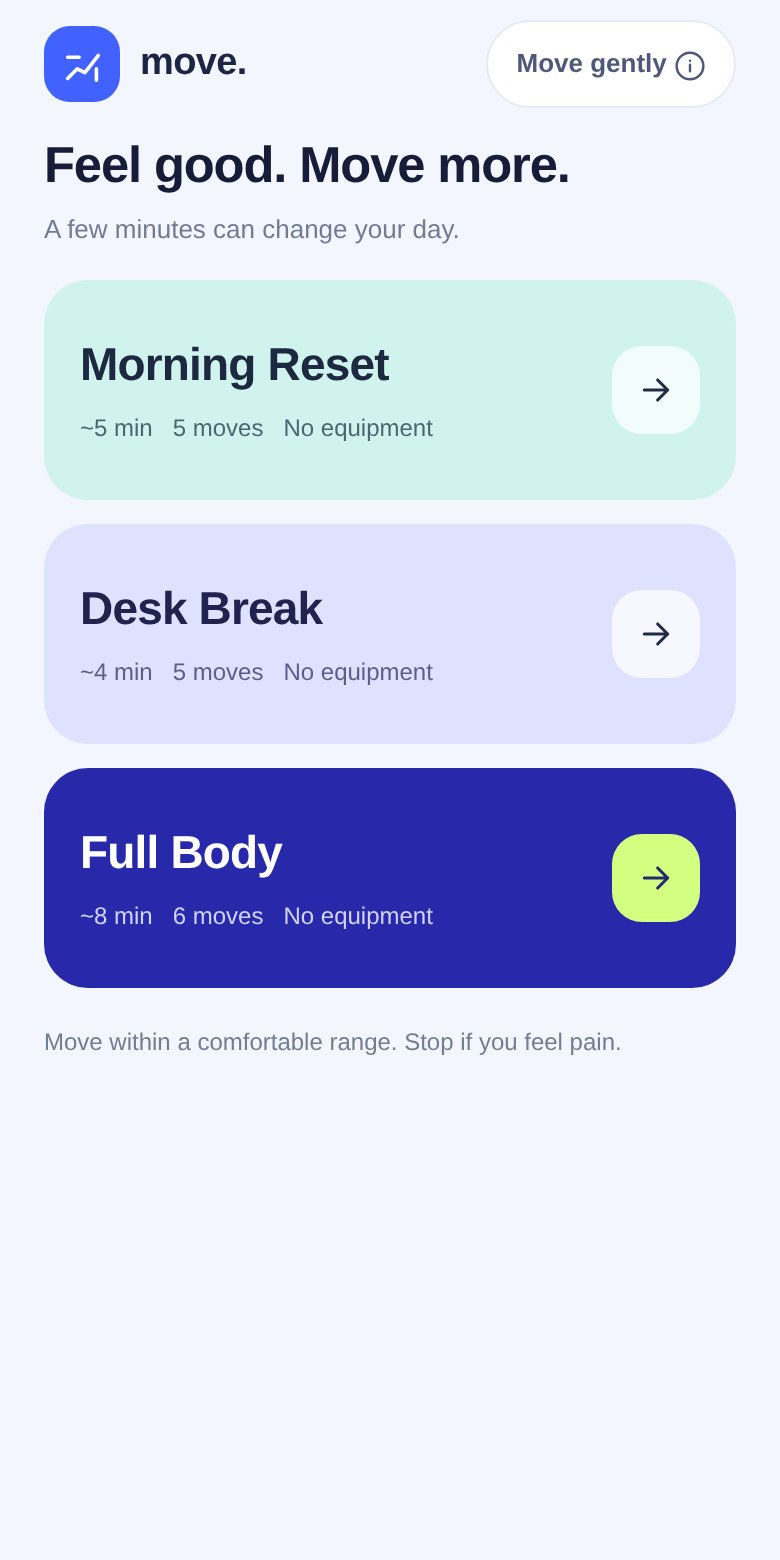
Try these working examples, then bring your own idea. Your app keeps its original design.
Your welcome gift
$0no credit card required
For a few more ideas
$5.99once · no auto-renewal
For your everyday ideas
$9.99/ month · auto-renews
Publishing uses 1–4 credits, depending on app size. Local editing and preview are free. Prices are USD product prices. Applicable tax, currency conversion and the final total are determined by Creem at checkout.
Made in your favorite AI. Made useful with MakeTap.
The little details, without the developer jargon.
No. Bring a complete HTML file or a finished static ZIP made with your AI tool. MakeTap lets you preview it, give it a name and icon, and set it up on your phone.
You can preview a single HTML file up to 2 MiB or a finished static ZIP up to 8 MiB. For private publication, Free supports up to 5 MB of app resources and paid plans up to 20 MB, at 1 credit per started 5 MB. Files must pass the installation checks before publishing.
Offline use depends on the app’s saved files, cache and external dependencies. Cloud-link expiry does not remotely uninstall a local app, but it can prevent downloads or repairs. Keep your own source backup.
Yes. Edit and save locally for free. A Free publication includes 1 replacement within 24 hours; paid publications include 2 within 48 hours. Larger files may need extra credits. Replacements do not extend link expiry; later updates need a new size-based publication.
Your app stays local until you explicitly prepare a private installation. Setup files are temporarily stored for your plan's installation window; saved app data remains on your device. There is no permanent cloud backup.
MakeTap is a personal app installer. Setup links are for the app owner, not public sharing. Hosted sites and custom domains are not available.
Connect MakeTap to a compatible AI tool using the MCP guide in Help Center. Send an HTML or ZIP app as a private draft, then open it in My Apps to preview. Creating a draft or updating its code uses one import. Previewing is free. Free includes no MCP imports. Each purchased Creator Pack or redeemed Gift Pack adds 50 imports, and packs stack. Maker Pro includes 200 imports per paid period, with no rollover.
Local browser storage can be cleared. Export a backup of anything important.
Version 1.3 · November 23, 2026
MakeTap is operated by Shanghai Jiajian Cultural Communication Co., Ltd. For service or privacy questions, email support@maketap.app. To report abuse, email abuse@maketap.app.
These Terms apply to your use of MakeTap. We make them available before you use the service and ask you to accept them when you create an account or make a purchase. Before a paid purchase, we show the offer and payment terms for you to confirm. Our Privacy Policy explains how we handle personal data, and our Refund Policy explains refunds and related remedies.
MakeTap is a personal web app installer. It helps you prepare an HTML app or a supported ZIP bundle, preview it, give it a name and icon, and install it on your own supported devices through a private, temporary installation link.
Publishing in MakeTap means preparing an app version for your private installation. It does not make the app a public website or give you a public distribution service. MakeTap does not provide public hosting, a marketplace for selling apps, or submission to the Apple App Store or Google Play.
Your app runs in the browser environment supported by your device. What it can do depends on its code, required resources and services, and the device's operating system and browser. MakeTap does not create or verify every function in AI-generated code and does not promise that every file, app feature or external service will work. Our Help describes supported formats, devices and known limitations. We remain responsible for providing the MakeTap service as described and for the remedies required by applicable law.
AI draft imports (MCP). Free includes no MCP imports. Each purchased Creator Pack or redeemed Gift Pack includes 10 publishing credits and 50 MCP imports. Multiple packs stack. Maker Pro includes 200 each paid subscription period. Unused Pro imports do not carry over. Successfully creating a draft or saving changed code uses one import. Previewing, renaming, changing an icon or retrying the same request uses no additional import. Importing a draft does not publish it or spend publishing credits.
You must be at least 16 years old to use MakeTap. If you have not reached the age of majority where you live, you must have permission from a parent or legal guardian. Paid purchases must be made by an adult with legal capacity who acts as the actual purchaser or an authorised representative of that purchaser and meets Creem's buyer and payment requirements. Permission to use MakeTap does not allow a minor to bypass those checkout requirements using another person's payment details. If local law sets a higher minimum age for the relevant use, that higher age applies.
Use an email address that belongs to you, keep your sign-in method secure, and tell us promptly if you believe someone else has accessed your account. You are responsible for activity you authorize through your account. These Terms do not make you responsible for a security failure caused by MakeTap merely because the activity occurred under your account.
MakeTap's installation service is for your own lawful personal use and your own devices. Do not sell, transfer or share your account, or use its installation links as a public distribution channel. Installing an available app version on another device you own does not, by itself, count as a new publication or use another credit.
You keep the rights you have in the code, files, app names, icons and other content you provide (“Your Content”). These Terms do not transfer ownership of Your Content to MakeTap. You must have the rights or permission needed to submit and use it; an AI tool's output is still subject to applicable law and any relevant third-party terms.
You give us a limited, non-exclusive permission to receive, validate, scan, store, package, make the technical copies needed for delivery, and deliver Your Content to you and your authorized devices so that we can provide and protect the service. We may use the service providers described in our Privacy Policy for these purposes. This permission does not allow us to sell Your Content or reuse it for unrelated purposes.
The permission lasts only as long as needed to provide the requested service and to complete the retention, deletion, security or legal obligations described in our Privacy Policy. Expiry of an installation link and deletion of every retained copy are separate events; the Privacy Policy explains what we retain and why.
We may automatically scan submissions and review content where necessary to investigate a security or abuse issue. A scan reduces risk; it is not a certification that an app is safe, accurate, lawful or suitable for every use.
Do not use MakeTap to submit, install or facilitate:
You may import HTML or supported ZIP apps created with assistance from an AI tool, provided the app's purpose, content and functionality comply with these requirements.
Do not put passwords, private keys or other credentials into an app unless you understand how its code uses and exposes them. Code in an app may make requests to outside services; those services' terms and data practices apply to the information you choose to send to them.
You can report a suspected violation to abuse@maketap.app. If we reject or restrict an app, we will normally explain the reason and provide a way to ask us to review it. We may act immediately where necessary to address an urgent security risk, illegal content or a legal requirement.
Credits pay for preparing a successfully published app version for private installation. They are not a limit on how many times you may open an already-installed app. Opening a valid installation link or reinstalling the same available version on your own device does not use another credit.
The cost is based on the validated app size, including its HTML, scripts, styles, images, icons and other included resources. For a ZIP upload, this is based on the validated app resources after extraction, rather than the compressed ZIP file size. MakeTap's own delivery files are not counted.
One credit covers each started 5 MB, where 1 MB means 1,000,000 bytes:
| Validated app size | Credits for a new publication |
|---|---|
| Up to 5 MB | 1 |
| More than 5 MB and up to 10 MB | 2 |
| More than 10 MB and up to 15 MB | 3 |
| More than 15 MB and up to 20 MB | 4 |
Free publications support up to 5 MB; paid publications support up to 20 MB. Separate format and importer limits may also apply; the Help page and file checks explain these before publication. We show the validated size and actual credit cost before you confirm a publication. A failed or rejected publication does not consume credits. If a connection is interrupted, check the operation's result before starting another attempt; we will correct a charge that did not result in a successful publication.
New eligible accounts receive 1 welcome credit, valid for 30 days from the time it is issued. It is a one-time welcome grant, not a monthly allowance. The time limit applies to using the credit. A Free publication has a separate 24-hour installation window, described below.
A Creator Pack costs USD 5.99 once and includes 10 publishing credits and 50 MCP imports, both valid for 90 days from successful payment. It does not renew automatically. Each Pack has its own balance and expiry, including when you buy more than one Pack or also have Maker Pro.
Maker Pro costs USD 9.99 per month and includes 20 publishing credits and 200 MCP imports per paid monthly billing period. Unused publishing credits and MCP imports expire at the end of that billing period and do not roll over. Your current period and renewal date are shown in your account and billing information. Pro includes up to 500 MB of active Pro installation resources. Buying a separate Pack adds credits; it does not increase that storage limit.
When more than one eligible balance can cover an operation, we use the credits that expire soonest first. Buying or cancelling Pro does not change the expiry of a separately purchased Creator Pack. A later purchase does not restart the clock on earlier credits.
Credits cannot be transferred to another account or exchanged for cash, except through an eligible refund or a remedy required by law. Expiry rules do not remove any statutory right to a refund or another remedy. Your account shows the expiry dates applicable to your balances; any extension we grant is reflected there.
The period for using credits and the period for using an installation link are different:
| Publication type | Private installation-link availability | Included replacements |
|---|---|---|
| Free | 24 hours from the initial publication | 1 replacement within those 24 hours |
| Creator Pack | 7 days from the initial publication | Up to 2 replacements within 48 hours of the initial publication |
| Maker Pro | While Pro remains paid and active, then 7 days of read-only access after the paid period ends | Up to 2 replacements within 48 hours of publication, while paid Pro remains active |
We show the applicable publication type, installation window and cost before you confirm. The installation type follows your active installation benefits, not only the balance used to pay for the publication. An active paid Pro subscription provides Pro-mode installation; without Pro, a valid, unrevoked Pack purchase provides Pack-mode installation. This can apply when an eligible welcome credit is used, or when a Pack's own credits have been spent but the purchase's validity has not ended and another eligible balance covers the cost. Within an included replacement allowance, a version in the same or a lower size tier uses no additional credits. Extra credits are charged only when the replacement exceeds the highest size tier already paid for in that update window. Reducing the size and returning to an already-paid tier does not create another charge. Free publications remain subject to the Free size limit.
An included replacement does not restart the 24-hour or 48-hour replacement window, restore replacement uses, or extend the installation link's expiry. After the allowance or its time window has been used, publishing an updated version costs the full number of credits for that version's validated size. We show that cost before you confirm.
When a temporary installation link expires, it can no longer be used to install or restore that version. The expiry of a link does not remotely uninstall a copy already saved on your device. The ability to keep using that copy is subject to the local-storage and offline limitations in the next section.
After installation, an app may continue to run from the files stored on your device while those files remain available. Features that depend on an internet connection, external resources, an API or another service still depend on that connection or service. The app must have completed the necessary first load before you rely on offline use.
An installed web app uses storage managed by your browser and operating system. Removing the app, clearing site data, resetting or replacing a device, storage management or other platform behavior can remove its files or data. We do not promise permanent local storage or that an installed app will work forever.
MakeTap's temporary installation files are not a backup of the information you enter inside an app. Local app data does not automatically sync to another device or become recoverable through your MakeTap account. Keep your original HTML or ZIP files, and use any export or backup features the app itself provides for information you want to keep.
If you need to install again after a link expires or local files are removed, you may need your original files and a new publication using valid credits. These technical limits do not remove remedies you may have for a failure of MakeTap's own service.
Paid purchases are sold through Creem, our merchant of record and contractual reseller. Creem processes the payment, issues the invoice and handles applicable sales taxes or VAT. Your payment is also subject to the Creem Buyer Terms shown or linked at checkout. MakeTap remains responsible for delivering and supporting the MakeTap service.
The prices above are in US dollars. Applicable taxes, the payment currency and the total amount payable are shown before you confirm payment. Where required by local law, prices are displayed inclusive of applicable taxes. The amount and offer you confirm at checkout govern that purchase; we will not add a new service charge to it later without your agreement.
If an authorized discount reduces the amount payable to zero, we provide the benefits shown in the confirmed offer once the order is verified as complete. A Creator Pack's 90-day validity starts from that verified completion instead of a cash payment. Maker Pro follows the confirmed subscription period, with its credits expiring at that period's end. Any later recurring charge, its amount and its timing must be shown before you confirm the order.
A purchase is complete when payment is confirmed. We record the credits and benefits associated with that payment. If you believe the displayed offer, charge or granted benefits are inconsistent, contact support@maketap.app with your order reference so we can investigate and provide the appropriate correction or remedy.
Maker Pro renews automatically each month until you cancel. You can cancel through your account's billing controls or the Creem customer portal associated with your receipt. Contact support@maketap.app if you cannot access those controls.
You can cancel at any time, regardless of use or time since payment. Cancelling stops the next renewal. You keep the current paid period's Pro benefits until that period ends, and its remaining credits can be used until their recorded expiry. Cancellation does not itself refund a payment.
After a paid period ends normally, Pro installation links have 7 days of read-only access. During this period, you can access or reinstall the existing available version, but the Pro grace period does not allow new publications or updates and does not extend expired Pro credits. “Read-only” refers to managing the cloud version in MakeTap; it does not disable the functions of your installed app. When the seven days end, those Pro links expire unless renewed under an available paid entitlement.
Separately purchased Creator Packs keep their own balances, expiry dates and applicable publication benefits. You may continue using a valid Pack according to its terms even after Pro ends. The end of Pro does not remotely remove installed copies from your devices.
Each Creator Pack order qualifies for a full refund within seven days of payment if both allowances are unused. Each Maker Pro period, including renewals, qualifies within seven days of its effective start if all benefits of that period are unused. Cancelling renewal leaves this offer available. See the Refund Policy.
Contact support@maketap.app with your order reference to request help or a refund. Approved payment refunds are processed through Creem. Refunds, cancellation and account deletion are separate actions; the Refund Policy explains the effect of a refund on the related credits, subscription and installation access.
The seven-day voluntary window and unused-credit condition do not limit mandatory rights. Depending on the law that applies to you, these may include withdrawal rights, remedies for a service that is not delivered or is defective, and correction or refund of an incorrect or duplicate charge. We do not treat account creation, viewing a preview, or agreement to these Terms alone as a waiver of statutory rights.
Where a valid consent or acknowledgement is required to begin providing digital content or services during a statutory withdrawal period, it must be requested separately in the purchase flow. Any effect on your withdrawal rights depends on applicable law and the consent actually obtained.
We may maintain and improve the service, including making changes needed for security, device compatibility or compliance with law. If a proposed change materially reduces a paid benefit or changes the price of a recurring plan, we will give at least 30 days' advance notice and explain when it takes effect and how to cancel future renewals.
Price changes apply to future purchases or renewals after the notified effective date. They do not retroactively change a completed purchase. We will not shorten already-issued credit validity, remove already-purchased credits or reduce the paid period already bought simply because the current plan description changes. Changes required urgently by law or to address a security risk will be explained as soon as reasonably possible and remain subject to applicable consumer remedies.
We may restrict a particular app or account for a material breach of these Terms, a security risk, fraud or a legal requirement. Where practical, we will explain the reason, limit the restriction to what is necessary, and give you a chance to correct the issue or request review. We do not use a general suspension clause to avoid an obligation to deliver a paid service or an applicable refund.
For a planned closure of MakeTap, we will normally provide at least 30 days' notice and explain how to save any files still available through the service. If we cannot deliver a prepaid benefit, we will provide the remedy required by applicable law and the Refund Policy. We cannot promise continued access to expired temporary files or recover data stored only on your devices.
You can ask to close your account at support@maketap.app. We will explain the consequences for active subscriptions, remaining credits, private links and data deletion before carrying out a closure that affects them. We check linked subscriptions and confirm that automatic renewal has stopped as part of closing the account. Deletion is handled as described in the Privacy Policy; it does not cancel rights or obligations that lawfully survive closure.
We will provide the MakeTap service with the reasonable care and skill required by applicable law and in accordance with the descriptions and paid benefits you accepted. If it does not conform to those requirements, contact us so we can investigate and provide the applicable remedy.
We are not responsible for an issue caused solely by your app's code, an external service or a device restriction outside our reasonable control, except where MakeTap contributed to the issue or applicable law makes us responsible. We do not guarantee uninterrupted availability or compatibility with every future operating-system or browser change.
Nothing in these Terms excludes or limits liability that cannot legally be excluded or limited, including applicable liability for fraud, deliberate misconduct or gross negligence, death or personal injury caused by negligence, or mandatory consumer or data-protection rights. A technical limitation described here is not a waiver of remedies for MakeTap's own failure to provide the service as required.
We will publish an updated effective date when these Terms change. For a material change affecting your ongoing service, we will give advance notice through your account or email, normally at least 30 days before it takes effect. Changes that only clarify the wording or must take effect earlier to comply with law may follow a shorter period. The protections for existing purchases and credit expiry in section 11 still apply.
Applicable consumer-protection laws and mandatory legal rights continue to apply, including any right to use a legally available court or dispute-resolution process.
We encourage you to contact support@maketap.app so we can try to resolve a problem. This does not prevent you from using a legal remedy, consumer-protection body or dispute-resolution process available to you.
If part of these Terms cannot be enforced, the remaining parts continue to apply to the extent lawful. MakeTap's name, logo, website and service software remain the property of their respective rights holders; this does not change your rights in Your Content.
For Maker Pro, select Request refund in the current period’s purchase menu under My Apps → Account allowances, or email support@maketap.app with the order number. We record when you confirm the request or verify when your email was submitted. We confirm the refund and the end of renewal separately.