

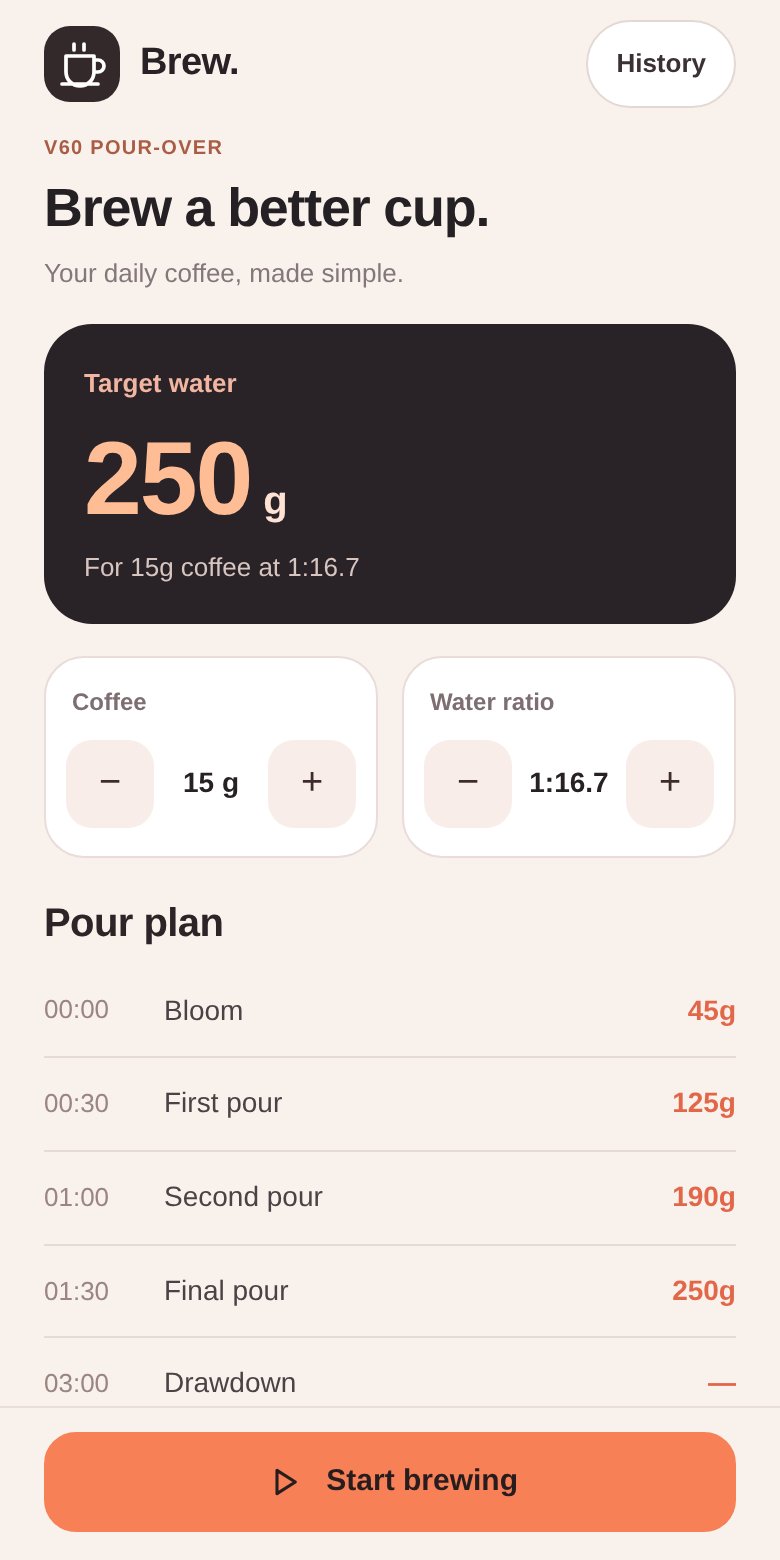
Brew
A little ritual.
Turn your AI-made HTML or ZIP into a personal app. Right on your phone.
From your favorite AI.
to the home screen of your phone.
Your AI made it. MakeTap makes it easy to use.
 MakeTap
Bring the HTML or ZIP your AI made.
From packing lists to coffee timers, useful tools for the moments that matter.
A little ritual.

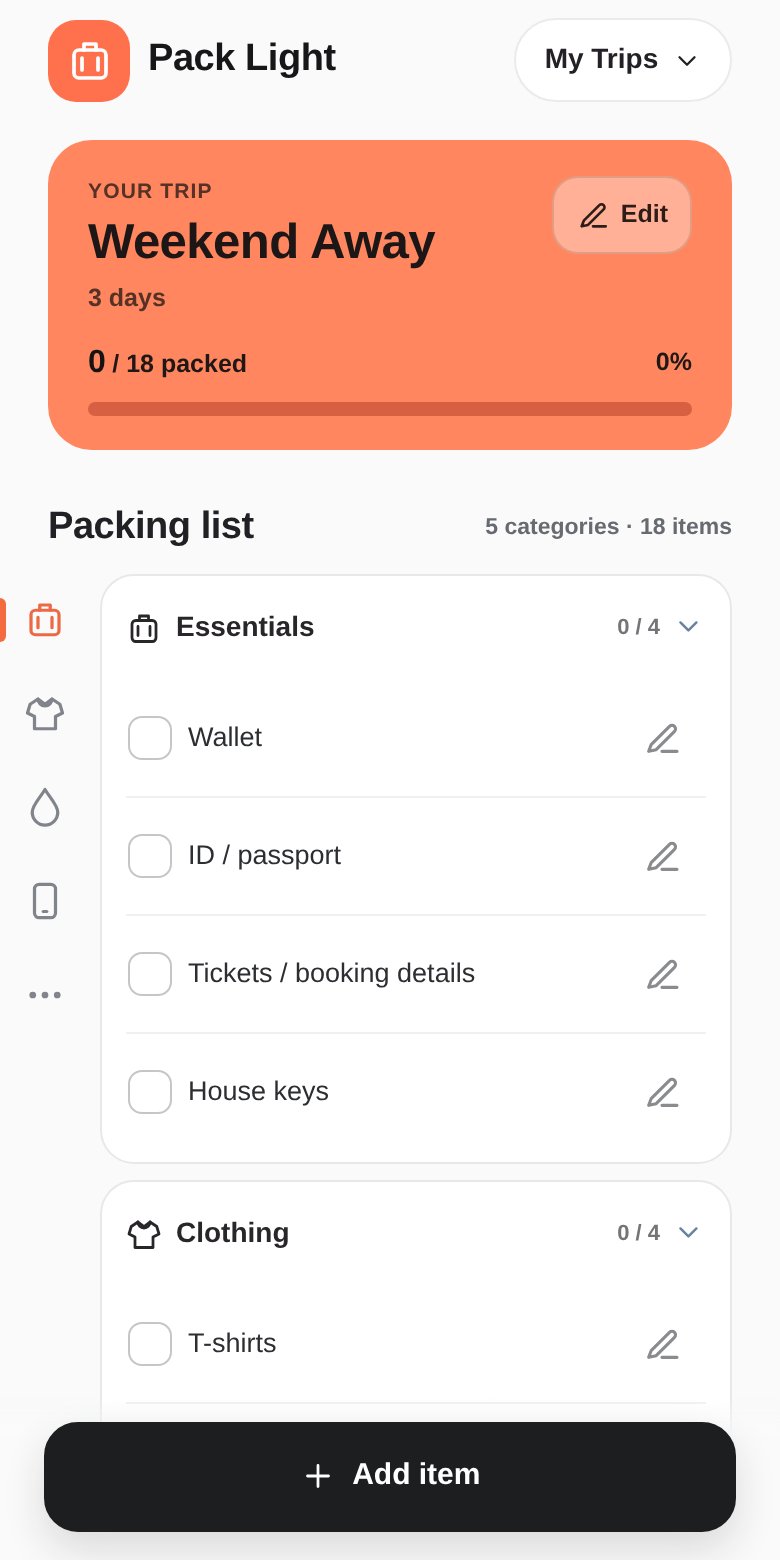
A place for everything.
Make it stick.
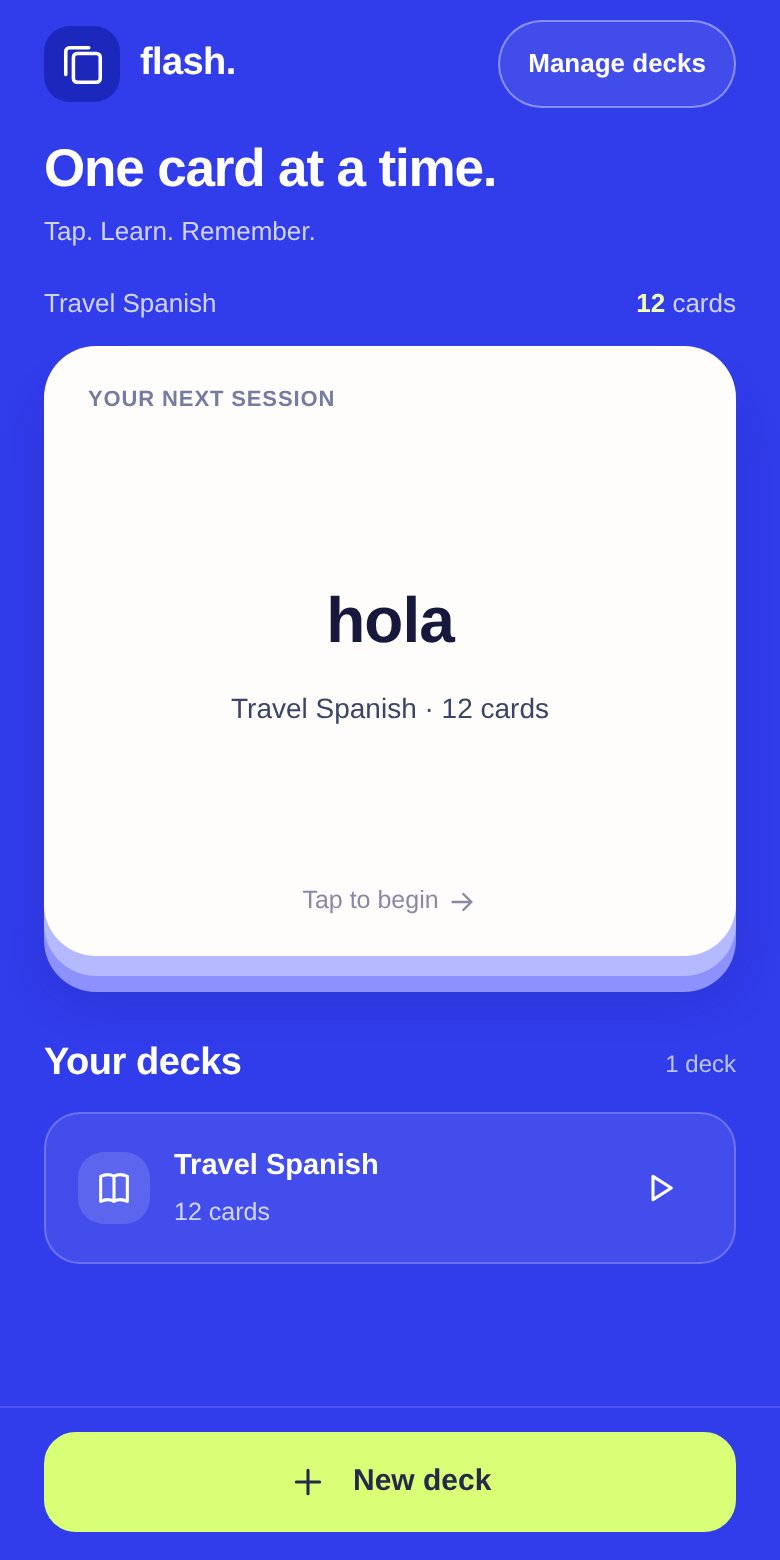

A little better, every day.
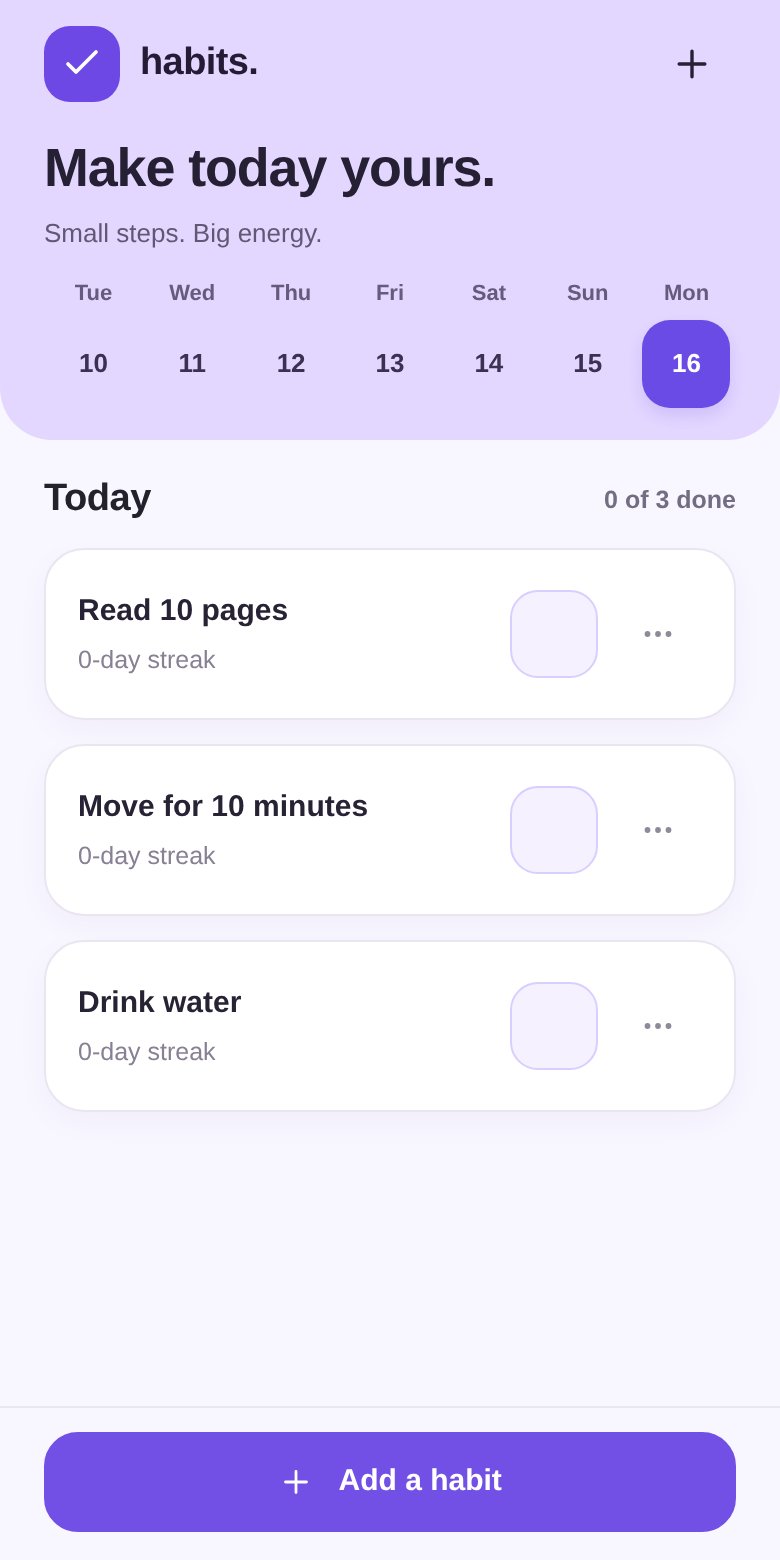

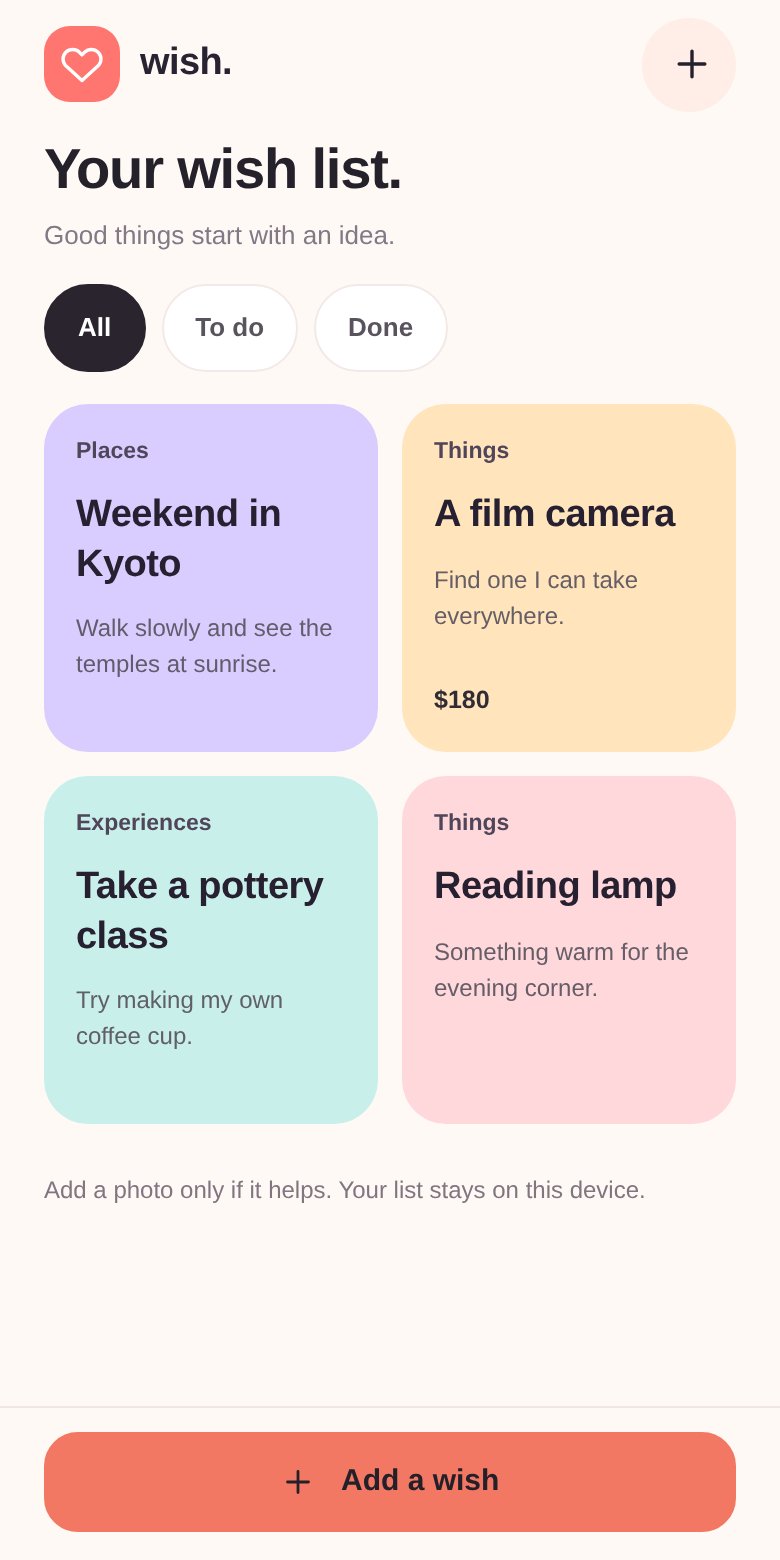
Good things, for later.

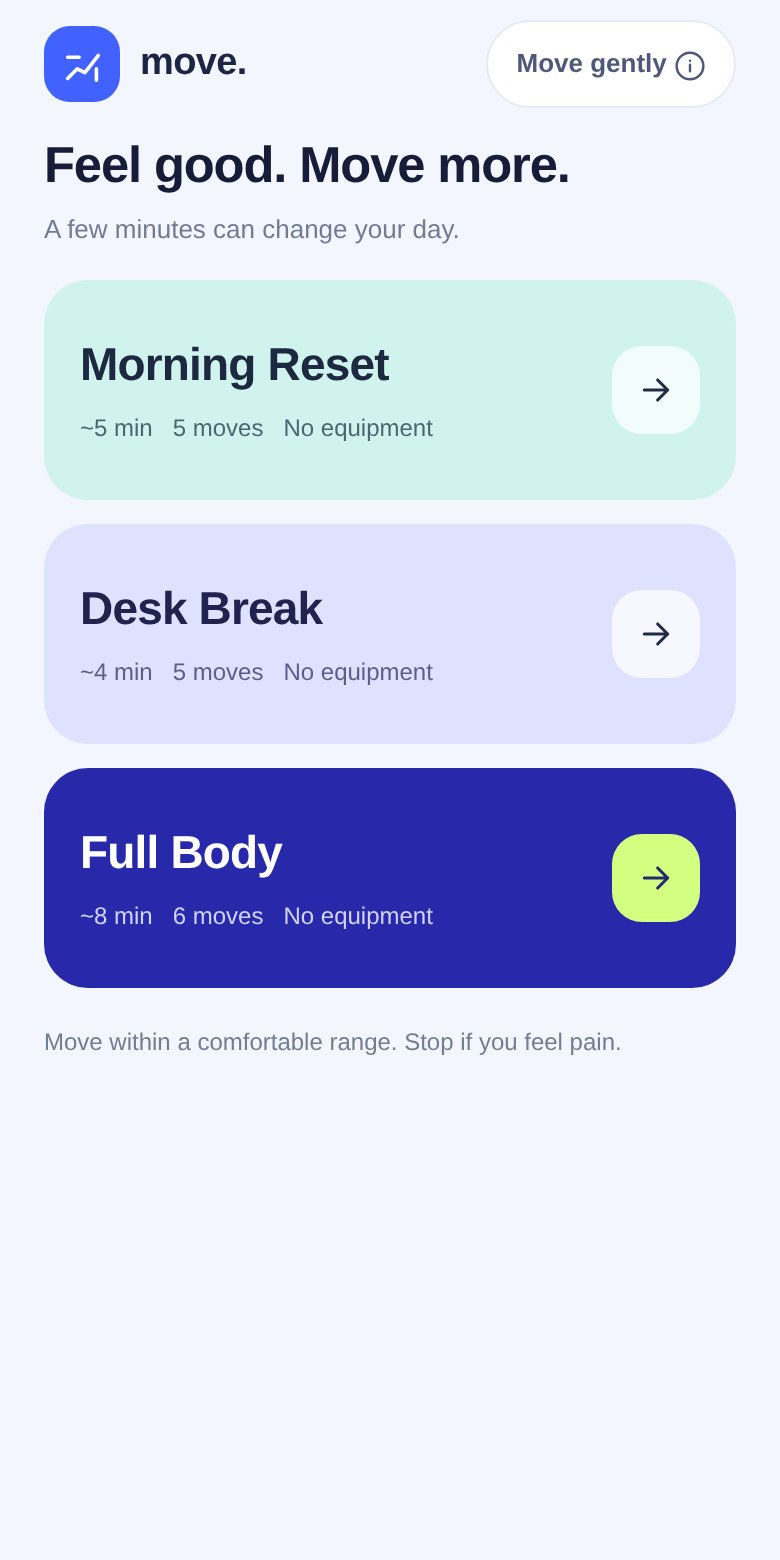
A little movement goes a long way.
Try these working examples, then bring your own idea. Your app keeps its original design.
Your welcome gift
$0no credit card required
For a few more ideas
$5.99once · no auto-renewal
For your everyday ideas
$9.99/ month · auto-renews
Publishing uses 1–4 credits, depending on app size. Local editing and preview are free. Prices are USD product prices. Applicable tax, currency conversion and the final total are determined by Creem at checkout.
Made in your favorite AI. Made useful with MakeTap.
The little details, without the developer jargon.
No. Bring a complete HTML file or a finished static ZIP made with your AI tool. MakeTap lets you preview it, give it a name and icon, and set it up on your phone.
You can preview a single HTML file up to 2 MiB or a finished static ZIP up to 8 MiB. For private publication, Free supports up to 5 MB of app resources and paid plans up to 20 MB, at 1 credit per started 5 MB. Files must pass the installation checks before publishing.
Offline use depends on the app’s saved files, cache and external dependencies. Cloud-link expiry does not remotely uninstall a local app, but it can prevent downloads or repairs. Keep your own source backup.
Yes. Edit and save locally for free. A Free publication includes 1 replacement within 24 hours; paid publications include 2 within 48 hours. Larger files may need extra credits. Replacements do not extend link expiry; later updates need a new size-based publication.
Your app stays local until you explicitly prepare a private installation. Setup files are temporarily stored for your plan's installation window; saved app data remains on your device. There is no permanent cloud backup.
MakeTap is a personal app installer. Setup links are for the app owner, not public sharing. Hosted sites and custom domains are not available.
Connect MakeTap to a compatible AI tool using the MCP guide in Help Center. Send an HTML or ZIP app as a private draft, then open it in My Apps to preview. Creating a draft or updating its code uses one import. Previewing is free. Free includes no MCP imports. Each purchased Creator Pack or redeemed Gift Pack adds 50 imports, and packs stack. Maker Pro includes 200 imports per paid period, with no rollover.
Local browser storage can be cleared. Export a backup of anything important.
Version 1.3 · November 23, 2026
MakeTap is operated by Shanghai Jiajian Cultural Communication Co., Ltd. For service or privacy questions, email support@maketap.app. To report abuse, email abuse@maketap.app.
Each Creator Pack has 10 publishing credits and 50 MCP imports, both valid for 90 days from payment. Within seven days of payment you can request a full refund if neither allowance from that order has been used. Other packs are assessed separately. Gift Pack redemption creates no refundable payment.
For Maker Pro, the first paid period and every renewal are assessed separately. You can request a full period refund within 7 × 24 hours of its confirmed effective start if all paid benefits for that period are unused. For late or recovered payments we verify when the period took effect. You can cancel renewal at any time, regardless of use, and keep the current paid benefits to their original end. You can still request an eligible refund after cancelling.
Spending this period’s publishing credits or using its MCP allowance to create a draft or save changed code counts. A successful new publication, free replacement or hosting conversion that uses this period’s Pro service also counts, even when a Pack pays the publishing credits. An import charged to an independent Pack belongs to that Pack.
Signing in, checking balances, local editing, previewing, requesting a quote, retaining old files, viewing, reinstalling and offline use do not count. Renaming or changing only an icon is free. Failed operations and released reservations do not count. Retrying the same request counts at most once.
Send your order number or subscription period to support@maketap.app. Receipt or verifiable sending time establishes when you submitted the request. Opening a link does not submit it. A later review does not invalidate a timely request. During review, use of the benefits in question is paused while outstanding publications and MCP saves are reconciled. Submission and approval are separate from the completed refund.
Once Creem confirms the refund, only the refunded order or period loses its benefits. For Pro we separately confirm that future renewals have stopped. Independent Packs, their original unexpired installation links and unexpired rights from earlier unrefunded periods remain available. A refund starts no new seven-day read-only period and does not spend Pack credits. Seven-day read-only access applies after a normal paid-period end. If a refund is declined or fails, paid rights remain until their original end and any cancelled renewal stays cancelled. Earlier purchases retain the terms that applied at purchase.
Contact support@maketap.app if you believe you were charged twice, charged incorrectly, did not receive paid credits, or could not complete a promised step because of a MakeTap service fault. These issues can be reviewed even after seven days or after credits have been used. Depending on the circumstances and applicable rights, a remedy may include correcting the transaction, restoring wrongly deducted credits, fixing the service, or providing an appropriate refund. We do not require you to accept credits instead of a monetary refund where the law gives you a refund right.
Errors in an app's imported code, unsupported dependencies, or a device outside the compatibility information disclosed before purchase are different from a MakeTap service failure. We assess the actual issue; these distinctions do not override our own promises or your mandatory rights.
For Maker Pro, select Request refund in the current period’s purchase menu under My Apps → Account allowances, or email support@maketap.app with the order number. We record when you confirm the request or verify when your email was submitted. We confirm the refund and the end of renewal separately.
We aim to acknowledge requests within two business days. We provide a substantive response or progress update within three business days; completing an investigation or bank processing may take longer. Applicable legal response and refund deadlines continue to apply. If you cannot resolve a purchase problem with MakeTap, you can also contact Creem through its customer portal or support website.
Depending on where you live and the nature of your purchase, you may have withdrawal or cancellation rights and remedies when digital content or a service is not supplied or is not as agreed. Where a withdrawal right exists, you may use the applicable online withdrawal facility or contact us or Creem with a clear statement identifying the purchase. You do not have to use particular legal wording.
Using a credit is not, by itself, a declaration that you have waived every statutory right. Any legally effective request for immediate supply or acknowledgement affecting withdrawal rights must be obtained through the applicable checkout process. Mandatory rights and refunds required under applicable payment-provider rules take precedence over conflicting limitations in this commercial offer.
See also our Terms of Service and Privacy Policy.