AI GUIDE
ChatGPT
HTML to iPhone app
Turn a complete HTML file into an app on your iPhone.
View guide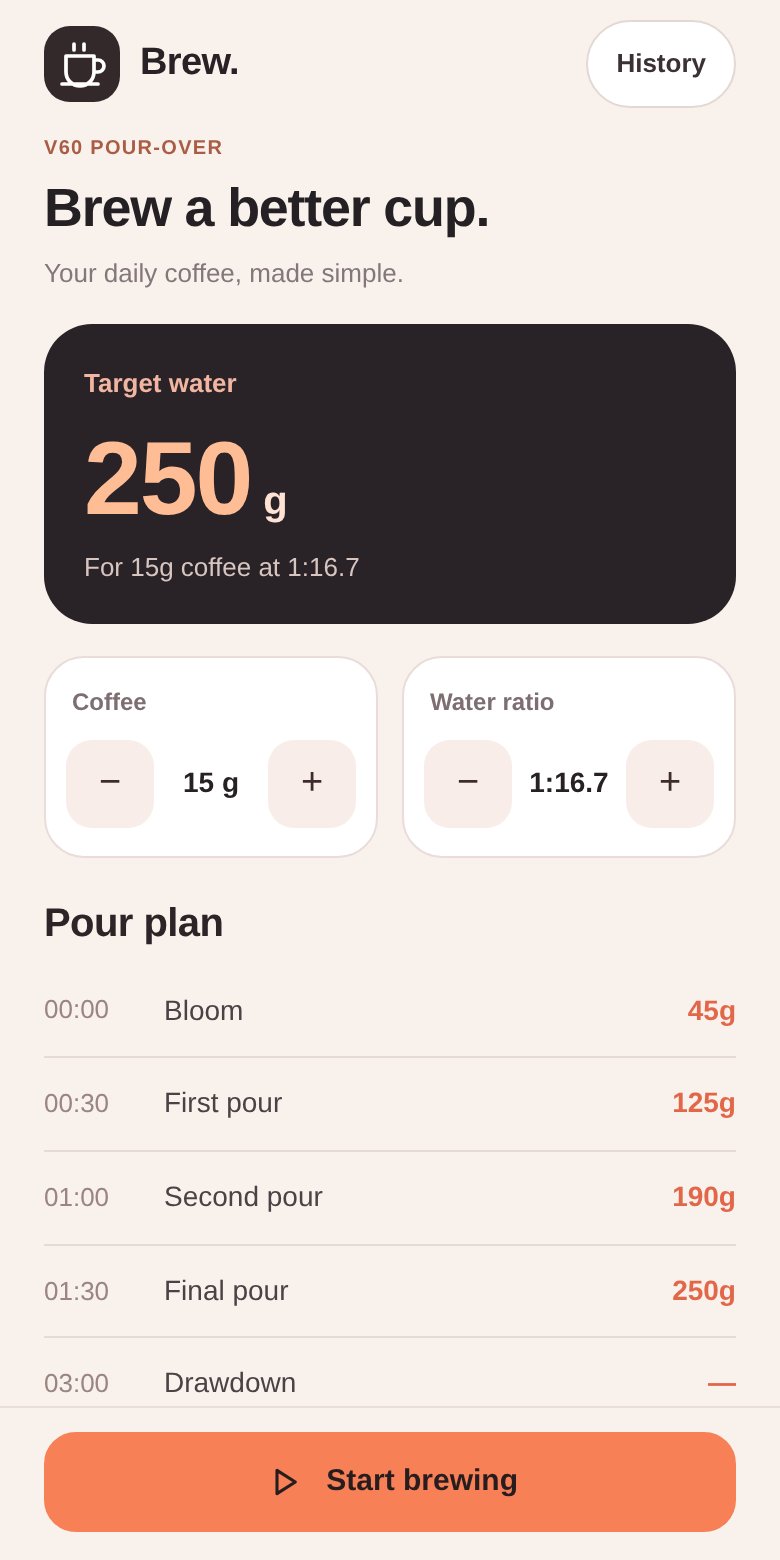
MAKE APPS WITH AI
A practical guide to turning a small idea into a personal app. Find the right workflow for your AI, your phone, and the way you want to use your app.
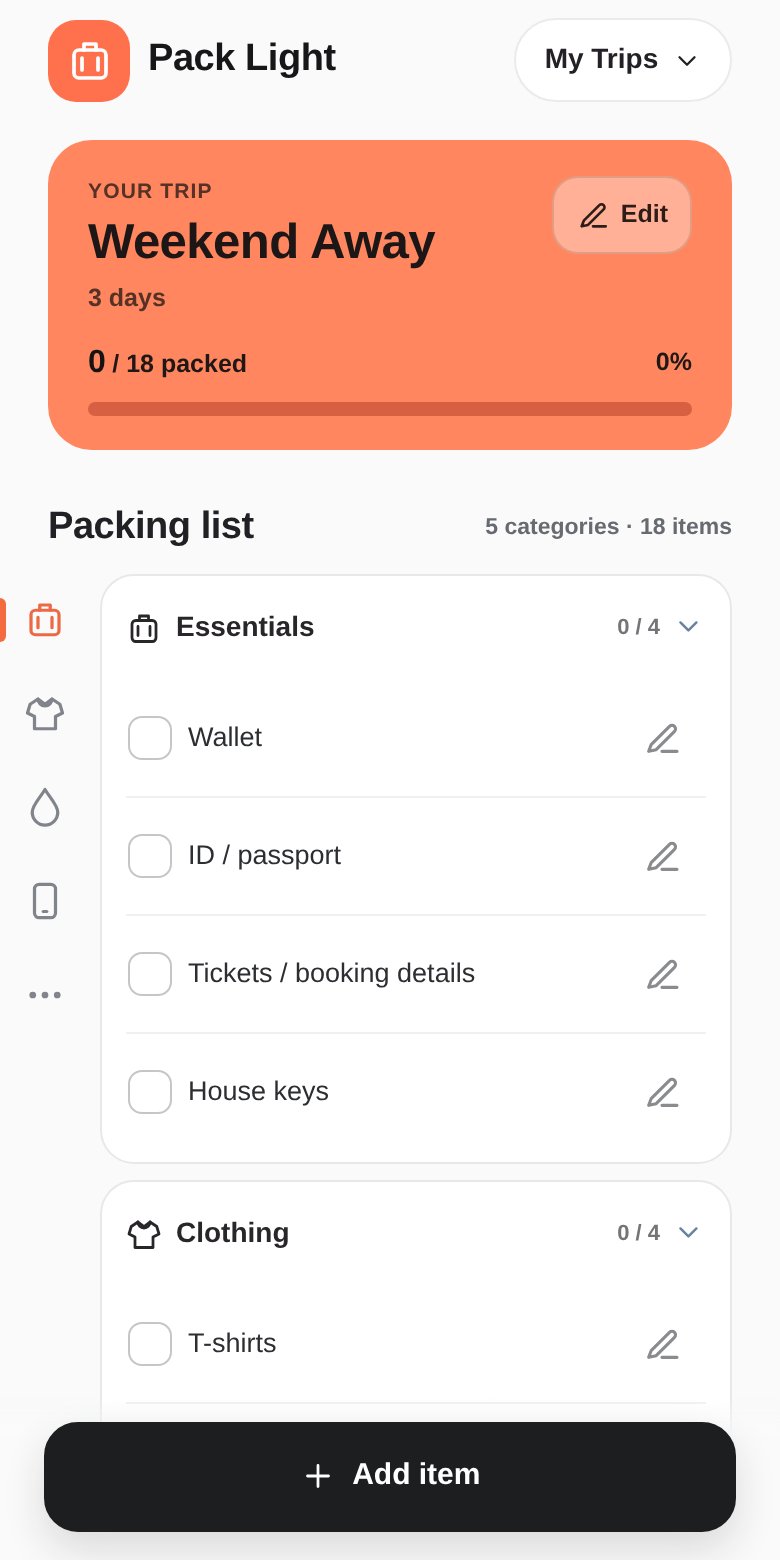
FROM IDEA TO EVERYDAY
Choose your AI to find the right guide.
HTML to iPhone app
Turn a complete HTML file into an app on your iPhone.
View guideArtifact to phone
Bring a compatible Claude artifact to your phone.
View guideANY AI. YOUR PHONE.
Have a file? Make it yours.
02 / CREATEStart from a little idea.
03 / INSTALLPut your app on your phone.
04 / USEKeep useful tools close.
Any assistant that can produce compatible HTML or ZIP can be a starting point.
If you have a complete HTML file, use the HTML-to-App guide. If you are still creating, start with the prompt guide. If a platform preview depends on its own services, adapt the project to a standalone HTML file first.
MAKE IT YOURS
Bring a compatible HTML or ZIP file. Preview locally, customize it, and install it privately.
Local browser storage can be cleared. Export a backup of anything important.